5 Tools Every Event Manager Needs for Sponsor Coordination
Tools & Tips
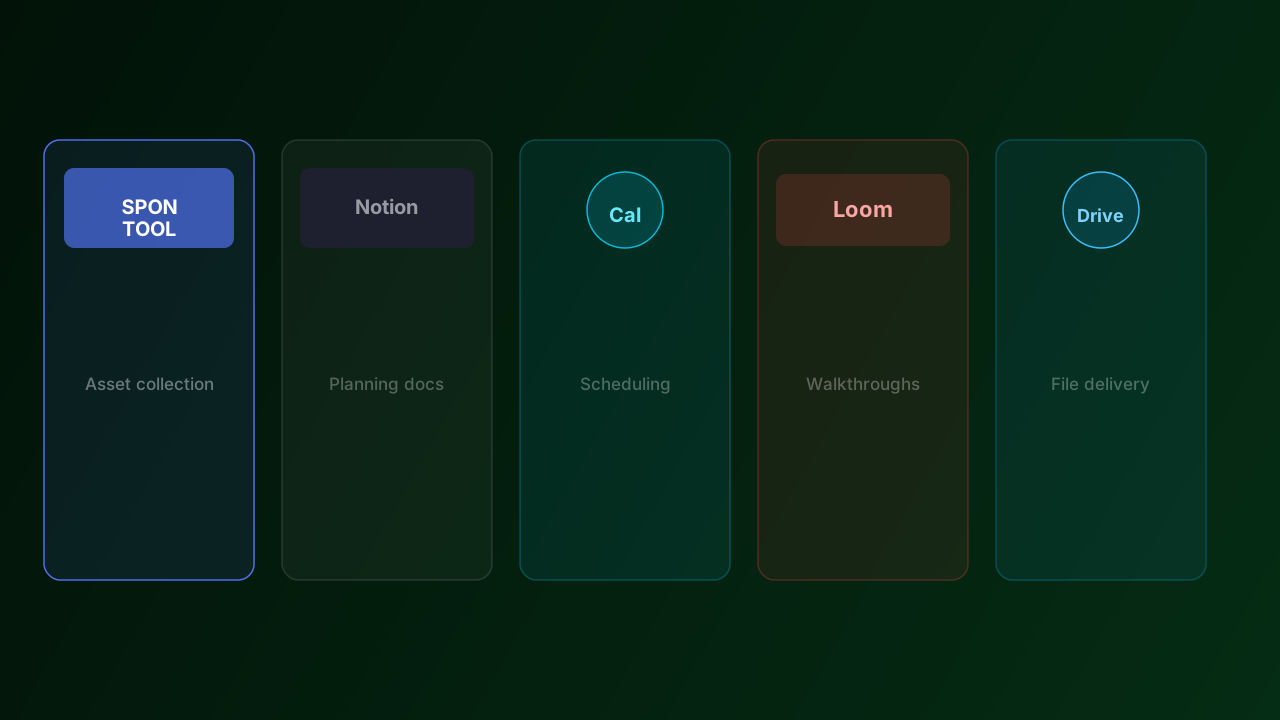
Managing sponsors across multiple events means juggling briefs, files, deadlines, and communications — often across a dozen different companies at once. The right tool stack doesn't just save time. It prevents the kind of errors that damage sponsor relationships before the event even starts.
Here are the five tools that consistently show up in well-run sponsor coordination workflows.
1. SPONTOOL — for asset collection and tracking
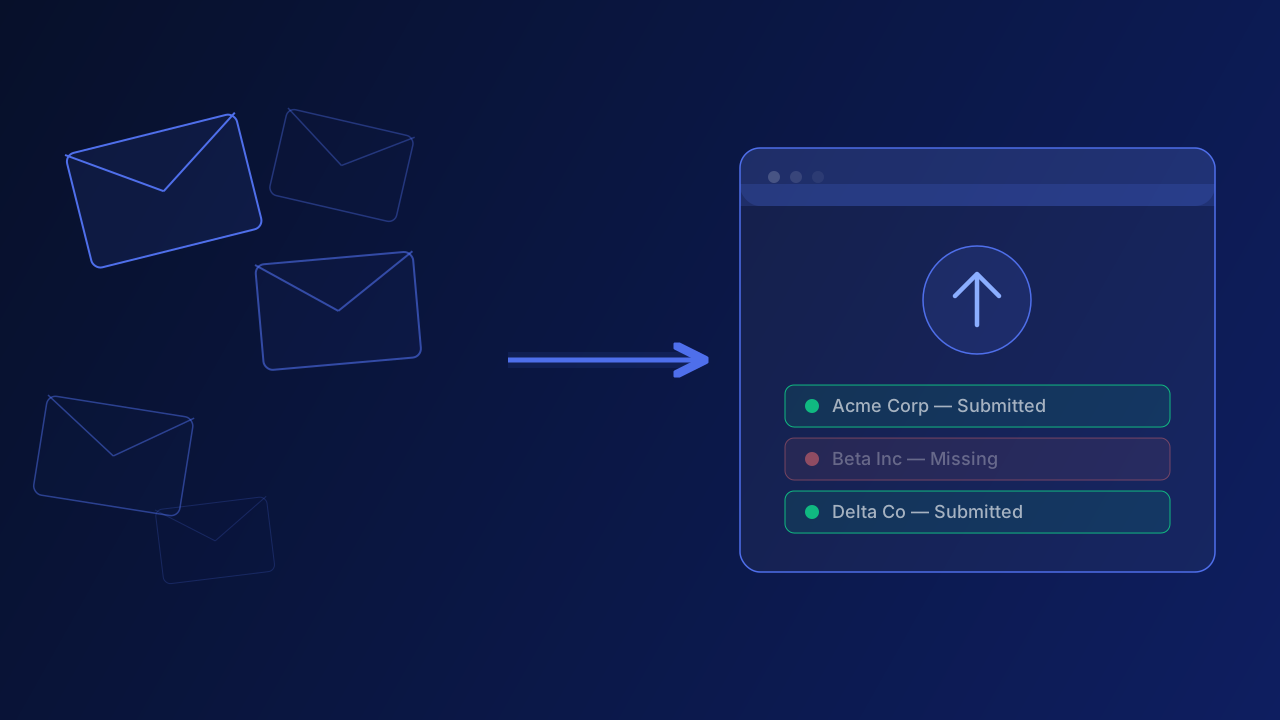
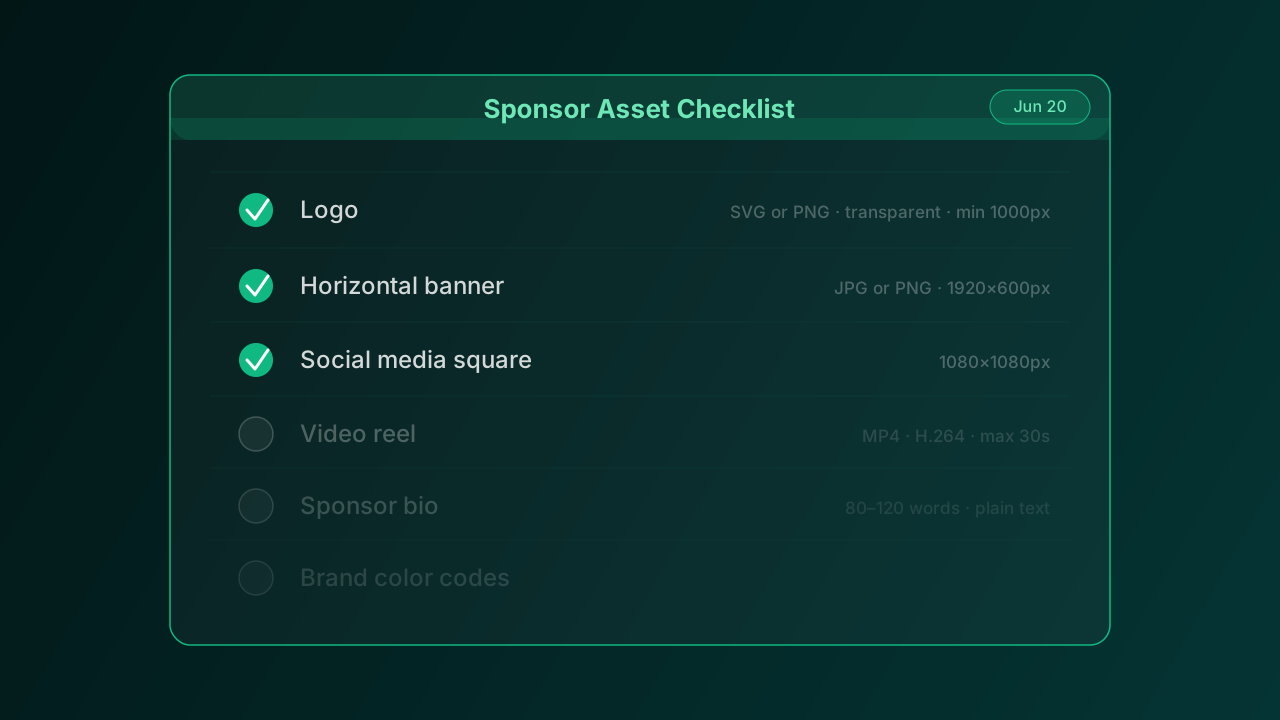
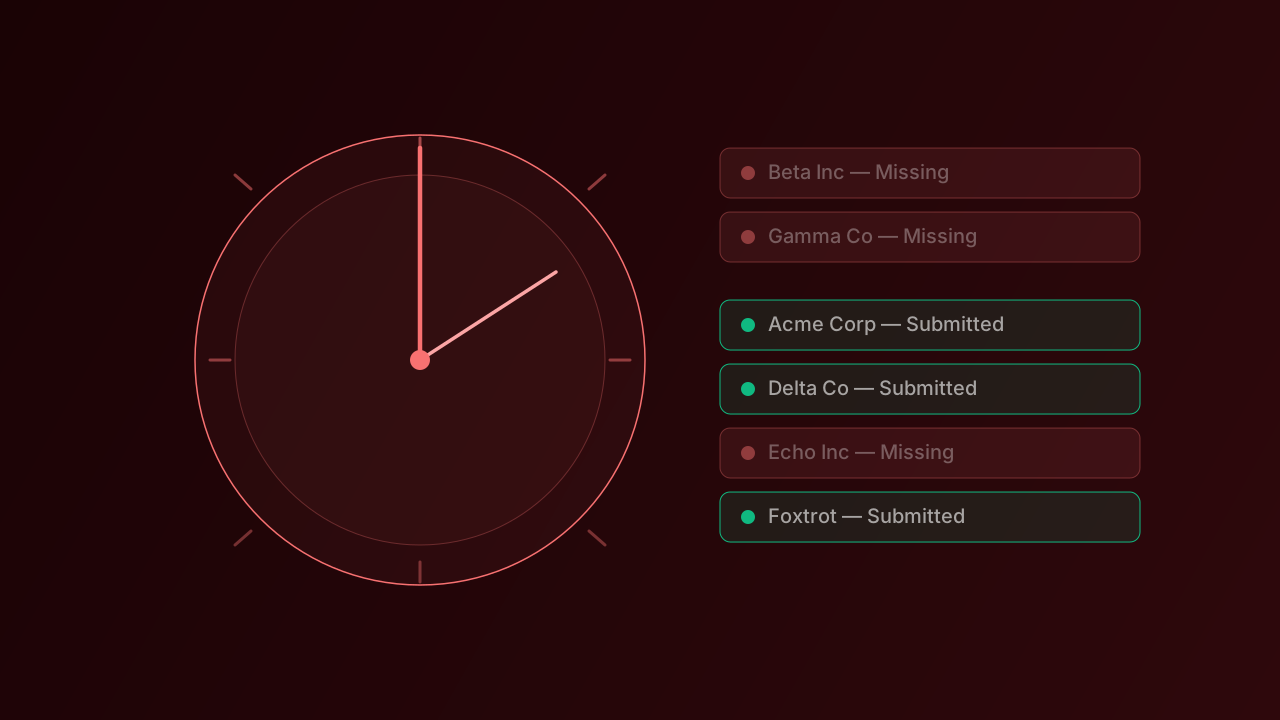
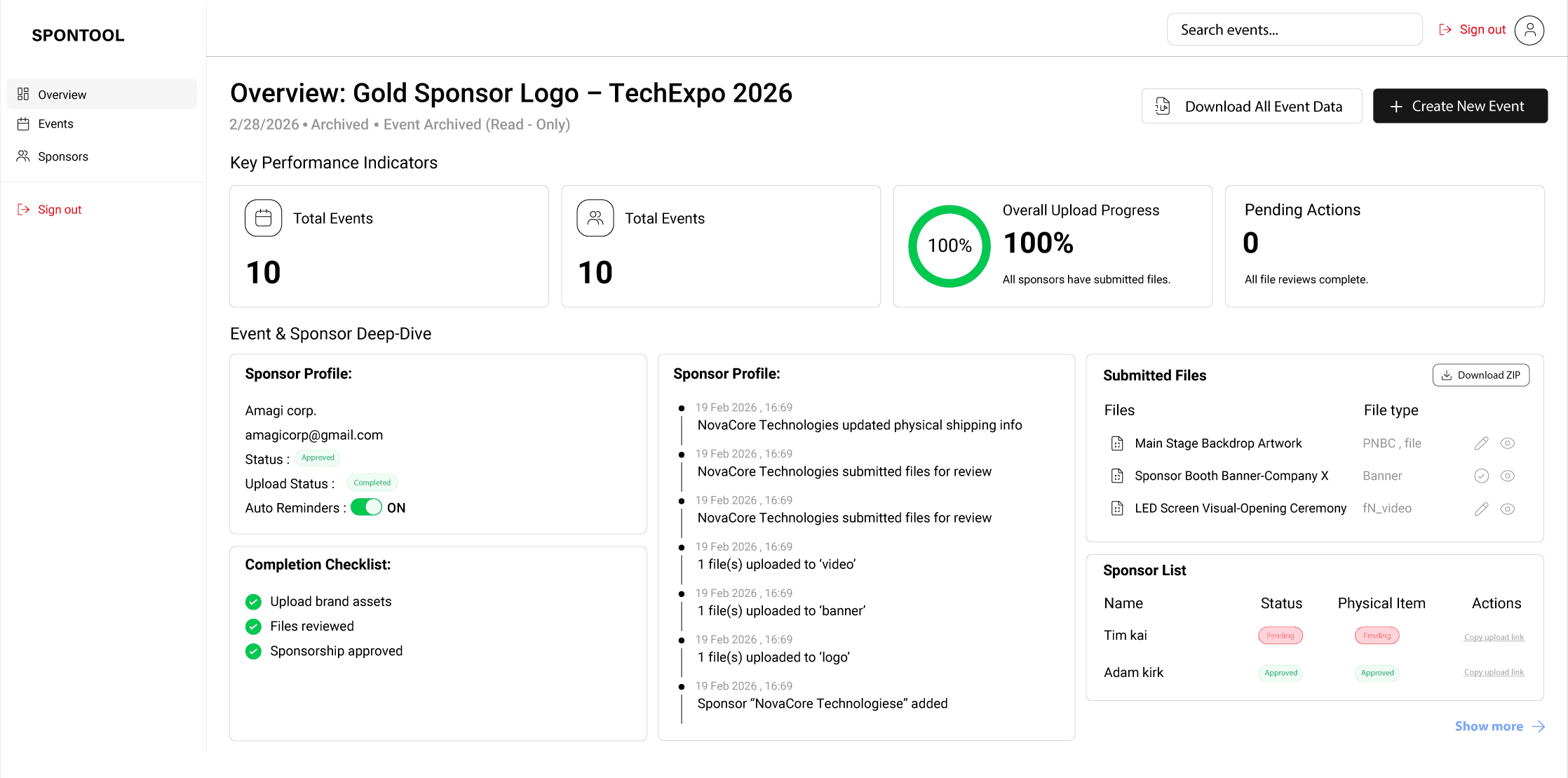
SPONTOOL is purpose-built for exactly the problem most event organizers face: collecting files from sponsors without living in email. Each sponsor gets a unique upload link. You see a live dashboard of who's submitted and what's missing. Automated reminders handle the follow-up. When everything is in, one click downloads a clean ZIP organized by sponsor and asset type.
For events with more than 5 sponsors, it pays for itself in time saved on the very first event.
2. Notion — for planning docs and sponsor briefs
Notion works well as a central hub for everything that isn't a file: your sponsor brief template, event timelines, contact directories, and internal notes. The database views make it easy to track sponsor status at a high level, and the document format works well for brief templates you can duplicate per event.
3. Calendly — for sponsor onboarding calls
When you're onboarding a new sponsor who needs to be walked through the submission process, Calendly removes the back-and-forth of scheduling. Share a link, they pick a time. For recurring events with the same sponsors year over year, you probably won't need this — but for new sponsors, a 15-minute call prevents hours of confusion.
4. Loom — for video walkthroughs
Some sponsors need to see the process to understand it. A two-minute Loom walkthrough showing exactly how to use their upload link is often more effective than a written guide. Record it once per event type and reuse it every time a sponsor asks for clarification.
5. Dropbox or Google Drive — for final delivery
Once all files are collected and organised, your design team and print vendors need access. A shared Dropbox or Google Drive folder — structured the same way every time — gives them the files without you needing to be the intermediary. SPONTOOL's ZIP export drops directly into this structure.