Sponsor Asset Management: A Complete Guide for Event Organizers
Sponsor Management
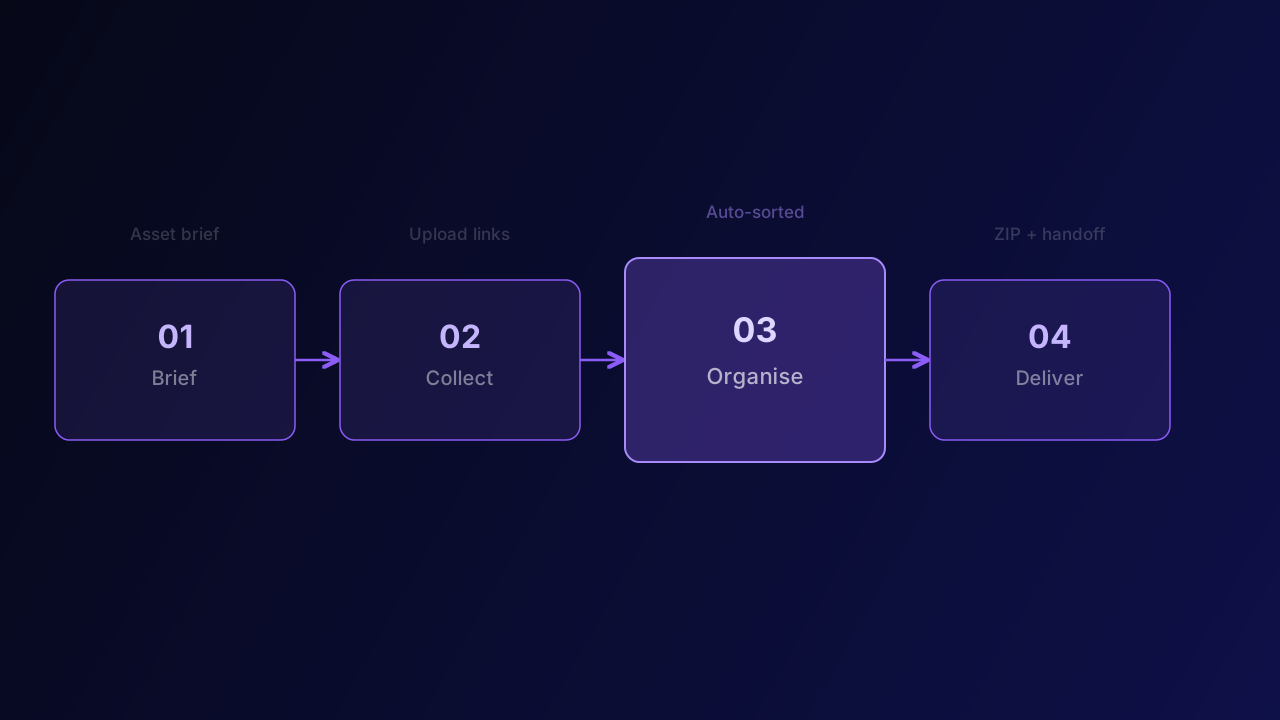
Sponsor asset management looks straightforward until you're doing it for real — coordinating 30 sponsors, juggling file formats, chasing deadlines, and trying to hand everything off to a design team on a tight timeline. This guide covers the complete workflow from first brief to final delivery.
What is sponsor asset management?
Sponsor asset management is the process of collecting, organising, and delivering all creative files provided by event sponsors — logos, banners, videos, brand guidelines, and legal copy — so they can be used across event materials, digital platforms, and printed collateral.
Done well, it's invisible. Done poorly, it delays production, strains sponsor relationships, and creates last-minute chaos that ripples through your entire event.
Stage 1: Briefing sponsors
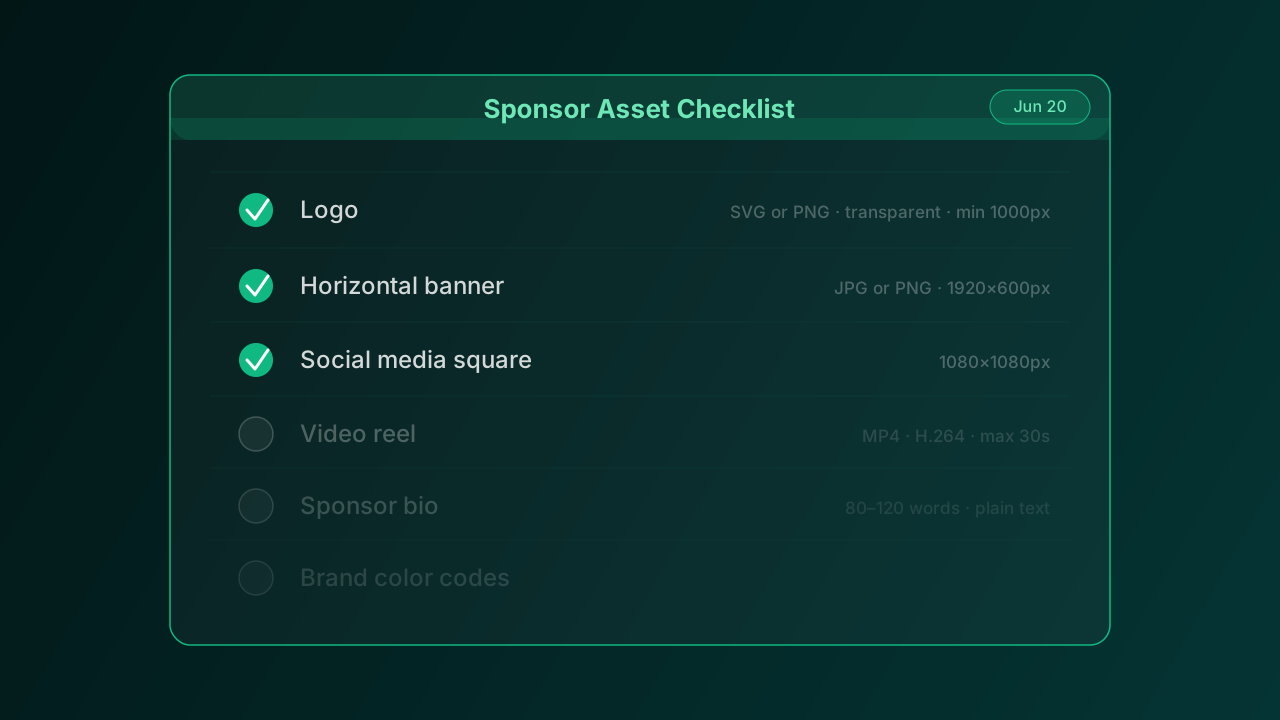
The brief is where most asset management problems either start or get prevented. A strong brief specifies exactly what you need, in what format, by when, and how to submit it. It removes the guesswork that leads sponsors to submit a 72 DPI JPEG when you needed a 300 DPI PNG.
Your brief should include: a list of all required assets, exact pixel dimensions for each, accepted file formats, maximum file sizes, naming conventions, and the submission deadline. Send it as a clean PDF or a shared document — not buried in the body of an email.
Stage 2: Collecting files
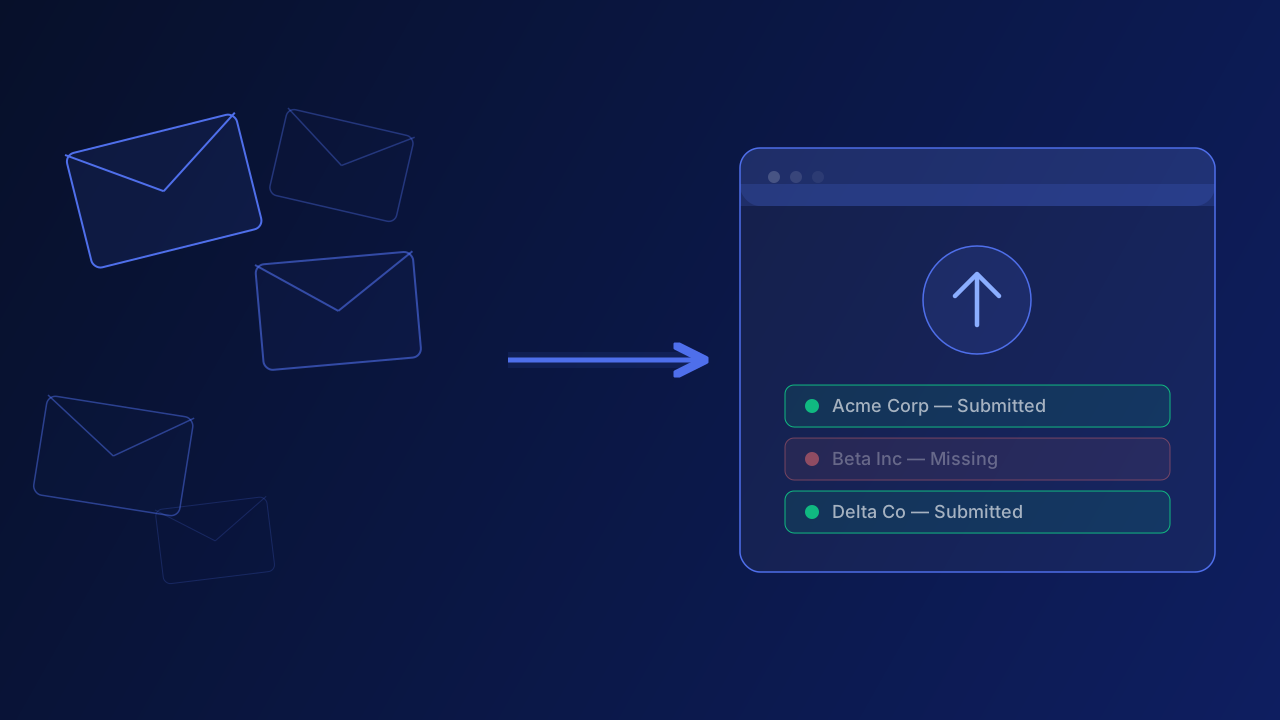
The collection method you choose determines how much time you'll spend chasing. Email threads are the most common approach — and the least efficient. Files get buried, versions get confused, and tracking becomes a manual job.
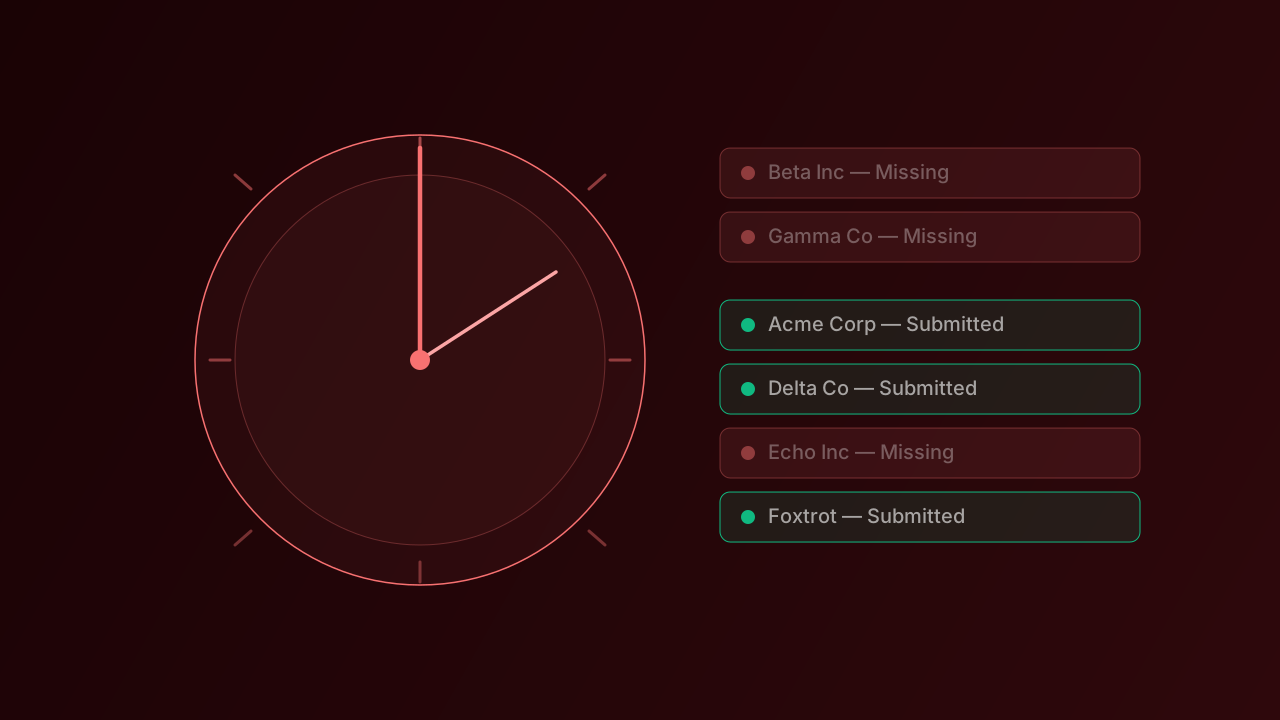
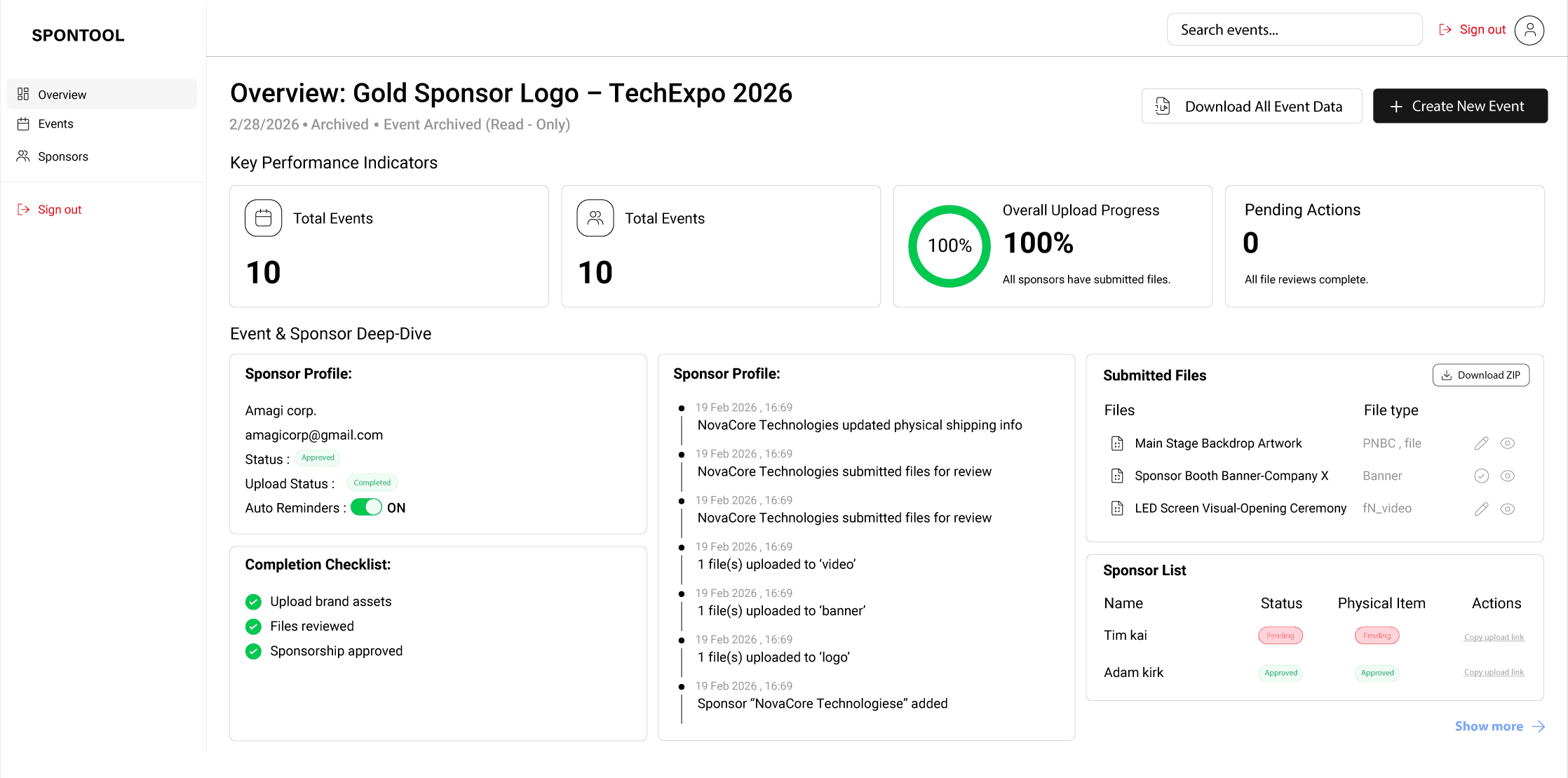
Upload link tools like SPONTOOL solve this by giving each sponsor a personal submission page. They upload their files directly, you get notified, and automated reminders go out to anyone who hasn't submitted. You go from managing 30 email threads to watching one dashboard.
Stage 3: Organising what comes in
As files arrive, they need to be organised so your design team can actually find things. A consistent folder structure is essential: one top-level folder per sponsor, then subfolders by asset type (logos, banners, video). Name files with a clear convention: sponsor-name_assettype_dimensions.format.
Check each file as it arrives: correct dimensions, right format, acceptable resolution, proper transparency on logos. Catching issues early prevents the three-day-before-the-event correction scramble.
Stage 4: Delivering to your design team
Once all files are collected and verified, create a final delivery package: a single ZIP file with the organised folder structure, a summary sheet listing each sponsor and the files included, and notes on any files that are still pending or have known issues. SPONTOOL generates this ZIP automatically.
Your design team should be able to open one folder and find everything, clearly labelled, ready to use.
Building a repeatable process
The organizers who handle sponsor assets best aren't working harder — they're working from a repeatable system. Same brief template, same folder structure, same tool, same timeline. Once you've run the process once with SPONTOOL, every subsequent event is faster.